How DocFusion Works
DocFusion’s low-code document generation system can be summed up in three steps.DocFusion offers a powerful yet user-friendly platform for all your document generation needs, whether you’re an information user, IT professional, developer, or systems integrator.
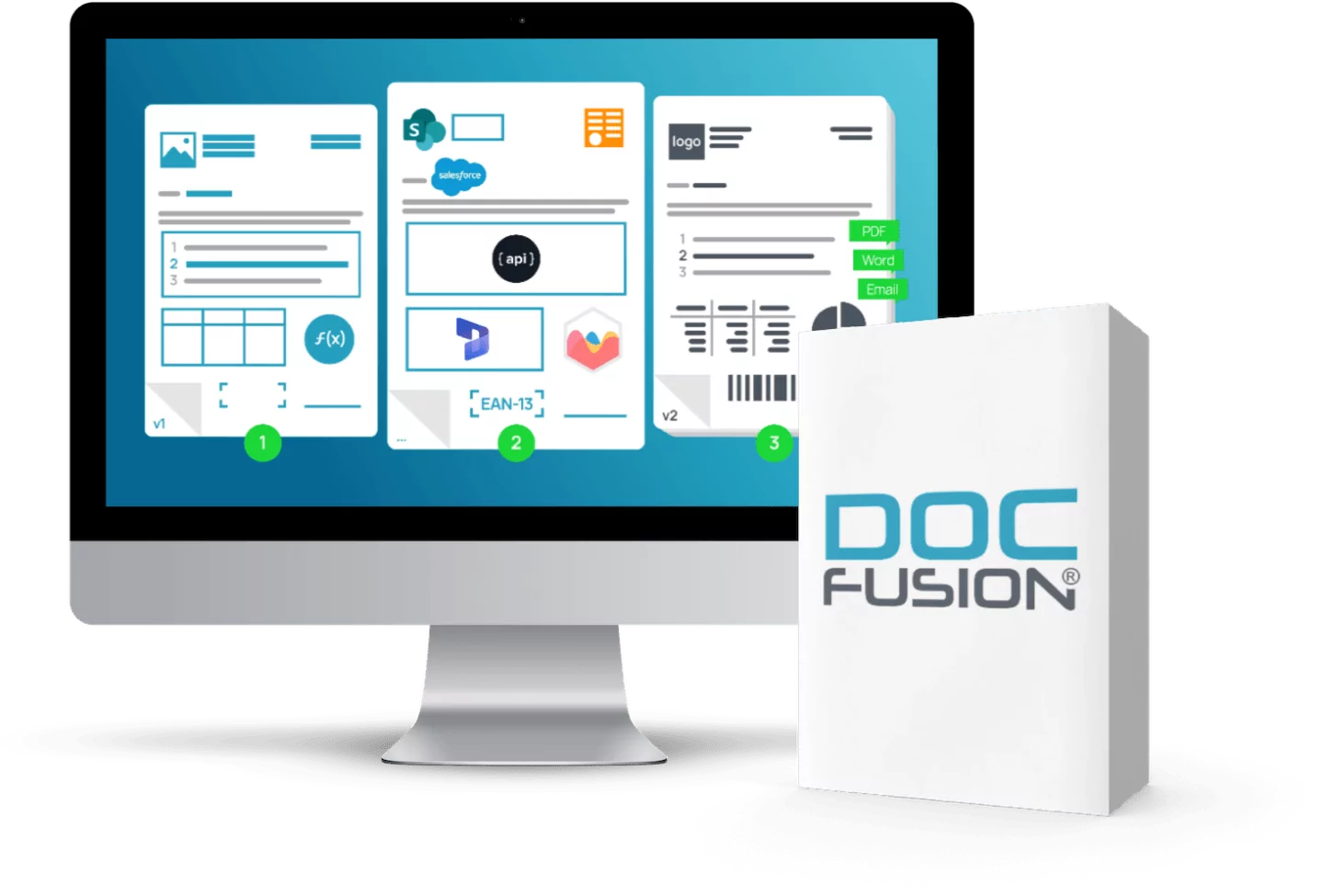
Create your template
Advanced Templating: Create detailed DOCX templates with powerful components such as Optionals, Repeaters, Images, Charts, Adornments and more to ensure that every piece of dynamic data is displayed in the correct format.
Template Repository: Store templates in the secure DocFusion Template Repository, ensuring organised management and access control that meets your governance needs.
Templates Referencing: Effectively manage corporate identity and compliance elements as separate templates by reusing Corporate identity headers and footers template.
Real-time Validation: Use the Template Designer’s preview feature to check template accuracy based on actual data.


Connect your data
Data Retrieval: Integrate with JSON/XML inputs or connect directly to multiple business systems within the same template and pull data directly from the source.
Data Mapping: Pull your data structures from your source systems and then sort, filter, transform and map data fields to the template.
Business Logic: Add your business rules to ensure each document fits enterprise standards.


Generate your documents
Detailed Processing: Use our “Chains” and “Processes” for tasks like watermarking, data preparation, and more.
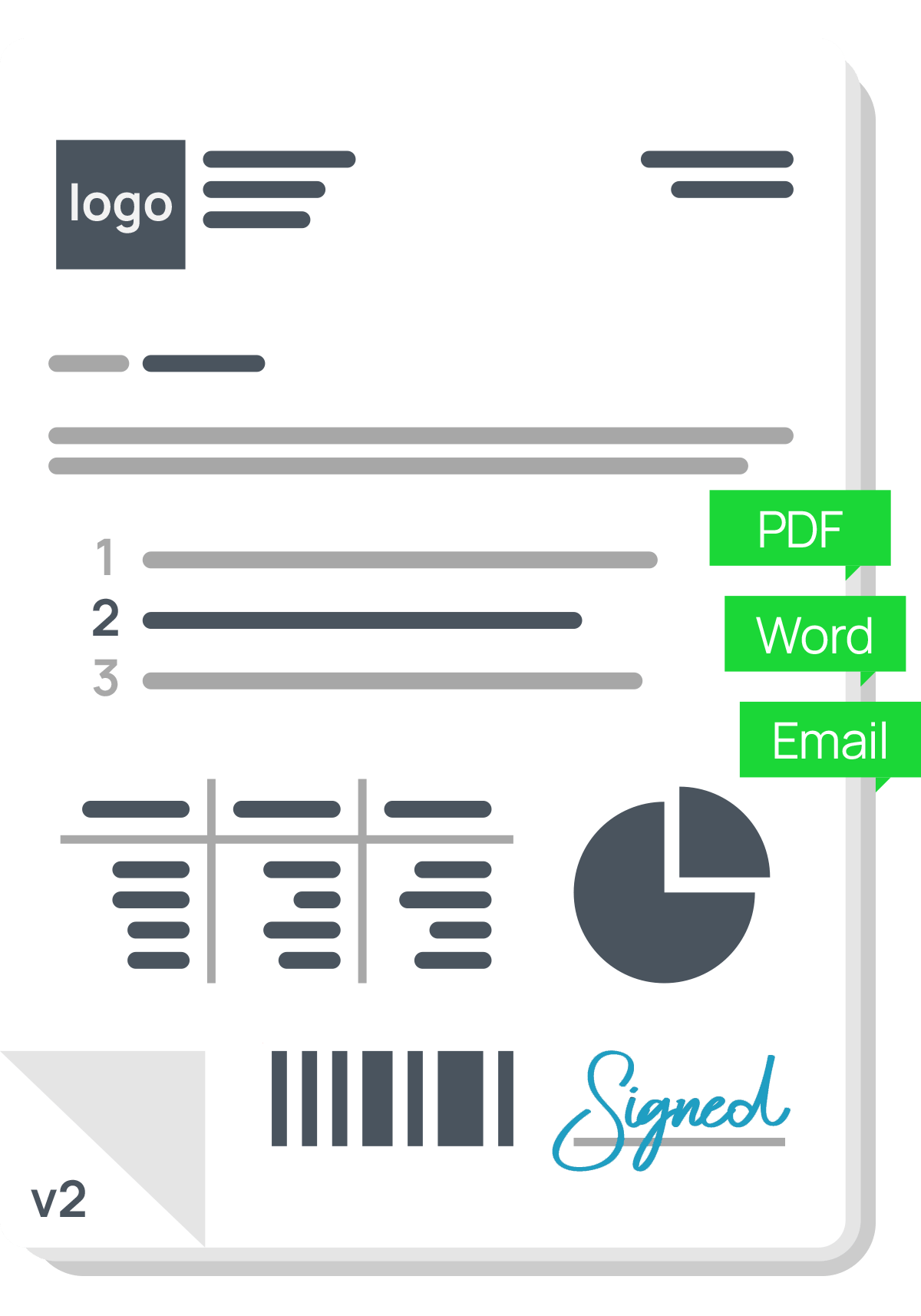
Multiple Outputs: Produce documents in formats like DOCX, PDF, and HTML. Need a secured PDF? No problem.
API Integration: Integrate DocFusion into your current enterprise processes via code or one of our readily available integration options in ecosystems such as Microsoft or Salesforce.
Digital Signatures: Sign documents using our integrated digital and electronic signature solution. If you already have a signing provider, DocFusion will integrate with it.
Your document transformation journey starts here.
What is a template?
A template is a sample, blueprint, skeleton, or example of a document. DocFusion templates determines the structure, layout, and styling for a document. They contain basic content such as data placeholders and boilerplate texts.
Static vs dynamic templates?
Without a document automation system, templates are considered static and are created manually. DocFusion templates are considered dynamic and documents are created automatically.
DocFusion’s dynamic templates provide a robust and intelligent system for document creation and output.
SMART TEMPLATE CREATION
The ability to create “smart” templates that are intricately linked to data, allowing for customised and dynamic content
RULE-BASED CONTENT
Implementation of rule-based optional and repeatable content, complete with automatic clause numbering and cross-references, ensures consistency and precision
DYNAMIC ELEMENTS
Features such as dynamic table creation, barcodes, formulas, conditional formatting, and charting enable versatile and visually engaging documents
REUSABLE TEMPLATE LIBRARIES
Streamline the design process with the creation of reusable template libraries, promoting efficiency and uniformity across various documents
DOCUMENT WORKFLOWS
Manage and automate the journey of documents with specialized document workflows, facilitating a seamless transition from creation to delivery
Document automation from A to Z
Template creation: Use the simple template editor with reusable components, sub-templates, and dynamic styling to design documents.
Data integration: Utilise support for complex data models and relationships to connect with multiple data sources.
Document assembly: Apply optional conditions, simple/complex formulas, and custom scripting to generate personalised documents.
Batch processing: Assemble multiple documents at once with the built in batch assembly feature.
Document signing and approval: Utilise built in document signing, post-processing workflows, and native template version control for review and approval.
Integration with enterprise systems: Achieve full integration in and out of various enterprise systems for seamless workflow management.
API utilisation: Leverage full API access to all aspects of the platform to integrate with any Line of Business (LOB) system.
Final delivery or storage: Send finalised documents to their destination, such as email delivery, digital signature processes, or other document systems.

Experience the transformative power of DocFusion and elevate your document processes to new heights.
Get a demo